
WordPress Development for Beginners: A Step-by-Step Guide
Are you ready to start your web development journey? This comprehensive guide to WordPress Development for Beginners will help you understand the basics of building and designing websites using the world’s most popular content management system (CMS). Whether you’re launching a personal blog, portfolio, or a business site, mastering WordPress website design is your first step.
Why Choose WordPress for Website Development?
WordPress Development for Beginners is the perfect starting point because WordPress powers over 43% of all websites on the internet. It’s flexible, user-friendly, and packed with features that let even non-tech users build stunning websites.
Here’s why it’s beginner-friendly:
No coding needed (though you can add custom code later)
Thousands of free and premium themes
Plugins for every feature imaginable
SEO-friendly structure (ideal for Google ranking)
If you’re serious about WordPress web design, this guide is your blueprint.
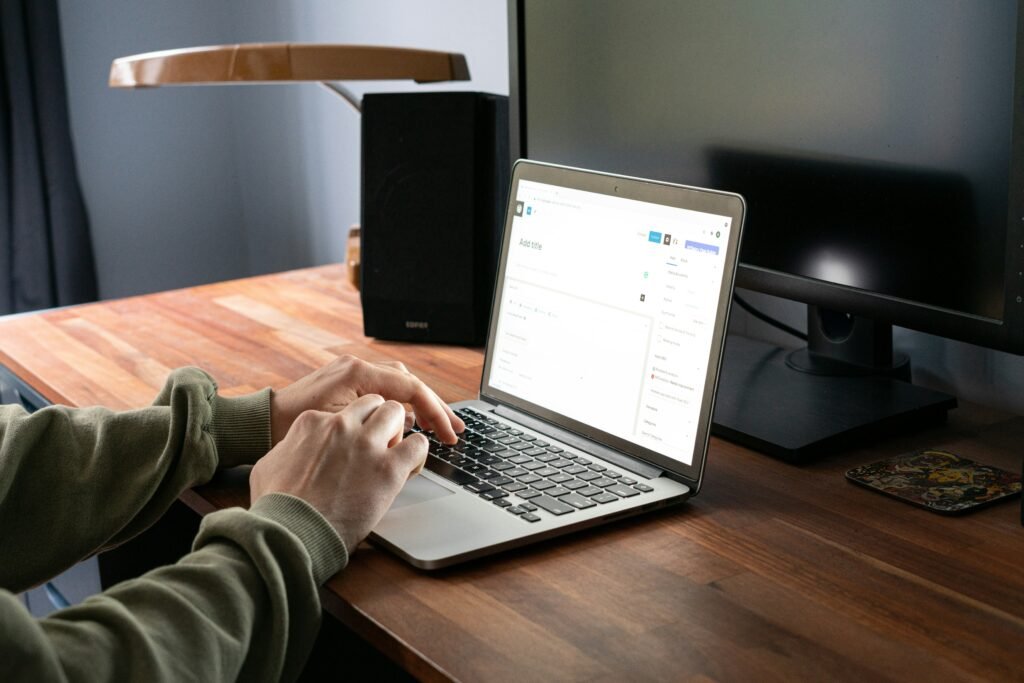
Step 1: Get a Domain Name and Hosting
Before diving into WordPress development, you need:
A domain name (your website’s address)
Web hosting (a space where your website lives)
Recommended beginner-friendly hosting services:
Bluehost (officially recommended by WordPress)
SiteGround
Hostinger
Once your hosting account is active, most providers offer one-click WordPress installation. You’re now ready to begin your WordPress website design journey.
Step 2: Install a WordPress Theme
A theme controls the visual appearance of your site. As a beginner, start with a simple, lightweight theme like:
Astra
Hello Elementor
Kadence
These themes are easy to customize and great for WordPress development for beginners. You can later upgrade or switch themes as your skills grow.
Step 3: Customize Your Website
Using the WordPress Customizer
Navigate to Appearance > Customize. Here, you can:
Add your logo and favicon
Change site colors and fonts
Edit homepage and menus
The customizer is intuitive, making it an essential tool for WordPress website design.
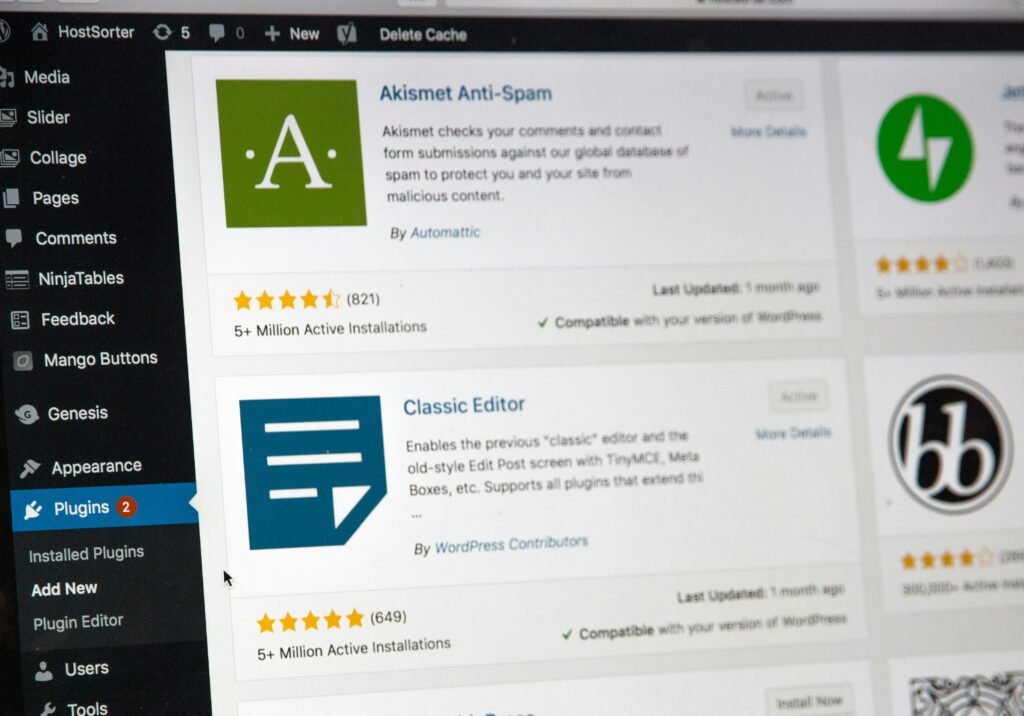
Step 4: Install Essential Plugins
Plugins add functionality to your site. For WordPress development for beginners, install the following:
| Plugin | Purpose |
|---|---|
| Yoast SEO | SEO optimization |
| Elementor | Drag-and-drop page builder |
| WPForms | Contact form creation |
| UpdraftPlus | Backup & restore |
| Wordfence | Website security |
These plugins simplify WordPress web design and help you grow your site faster.
Step 5: Create Your First Page
Go to Pages > Add New and start creating:
A homepage
About page
Contact page
Use Elementor or Gutenberg to drag and drop elements like:
Headings
Text blocks
Images
Buttons
This step is vital in understanding the creative freedom that WordPress Development for Beginners offers.
Step 6: Learn Basic SEO and Optimize Content
With Yoast SEO, you can:
Add meta titles and descriptions
Focus on keywords like WordPress Development for Beginners
Get real-time feedback on readability and SEO
Make sure your keyword appears in:
The first paragraph
A few subheadings (like this one!)
At least 3-4 times across the content (keyword density)
The meta description
This aligns your content with best practices in WordPress website design.

Step 7: Launch and Promote Your Site
Once everything looks great:
Preview your site
Double-check mobile responsiveness
Launch your site to the world!
After launch:
Share on social media
Connect with blogging communities
Start adding regular blog posts
Final Thoughts: Keep Practicing WordPress Web Design
WordPress Development for Beginners may seem overwhelming at first, but with consistent practice and learning, you’ll master it in no time. Focus on one task at a time—be it design, plugins, or SEO—and gradually grow your skills.
Remember, every expert was once a beginner. So keep building, testing, and improving your WordPress website design skills.
Bonus Tips for Beginners:
Use a local WordPress setup (like Local by Flywheel) to practice safely
Follow YouTube tutorials or enroll in a free WordPress course
Join Facebook groups or WordPress forums for support
Ready to Start Your First Project?
Let this be your launchpad. With this guide to WordPress Development for Beginners, you’re already ahead of most beginners. Keep going, and soon you’ll be confident enough to freelance or build full websites professionally.